One extension. Any tab. Live sessions.
Install the CiteVerse extension to capture audio from any browser tab and start a live session. Follow your session in the app on another device with the same account to see transcript and scripture in real time.
Works on Chromium browsers (Chrome, Edge, Brave, Opera, and similar). On Safari or Firefox, use the app, or install any Chromium browser.
- check_circleWorks with any tab
- check_circleOne-click start
- check_circleFollow your session in the app
- check_circlePreferred Bible version in app
CiteVerse in your browser-one click to capture any tab.
How the Extension Works
Install once. Capture any tab. Start a session.
Install Once
Add from the Chrome Web Store. One click. Works in Chrome, Edge, Brave, Opera, and similar.
Capture Any Tab
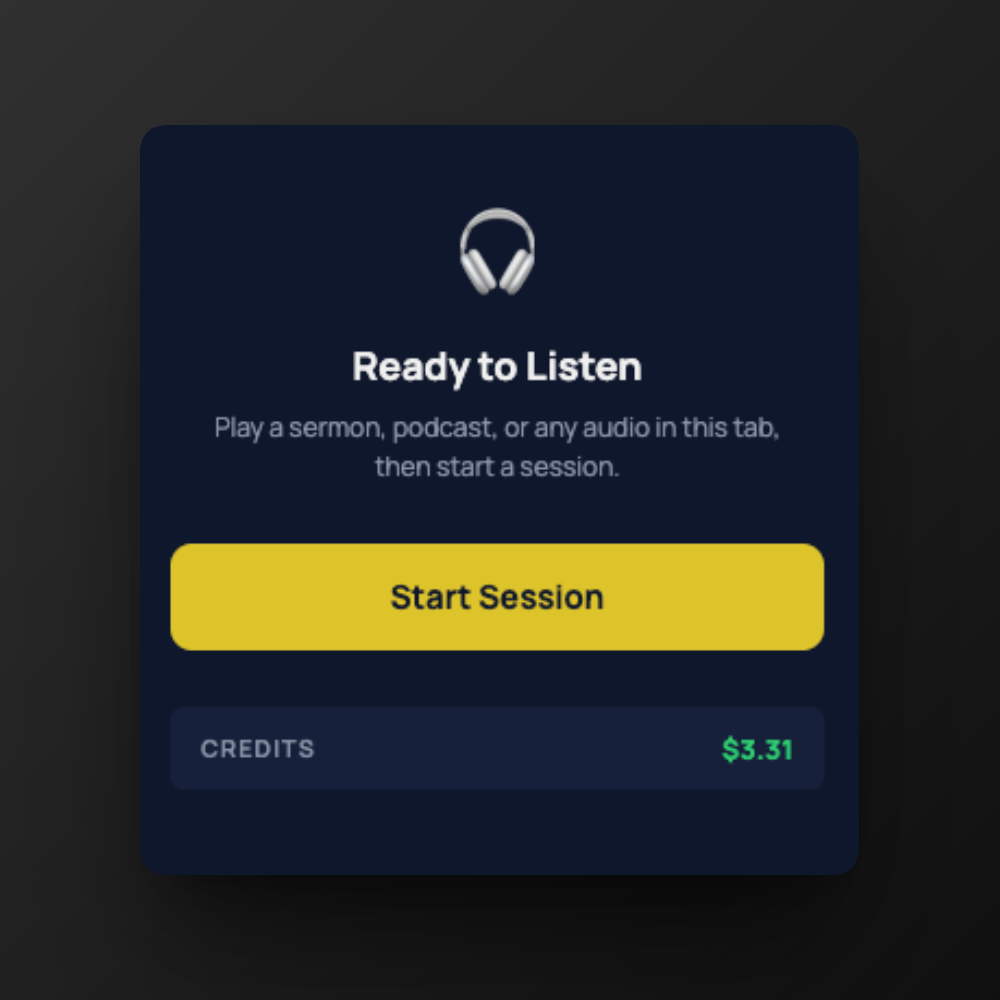
Video, podcast, or your own stream. The extension listens and detects verses.
Start a Session
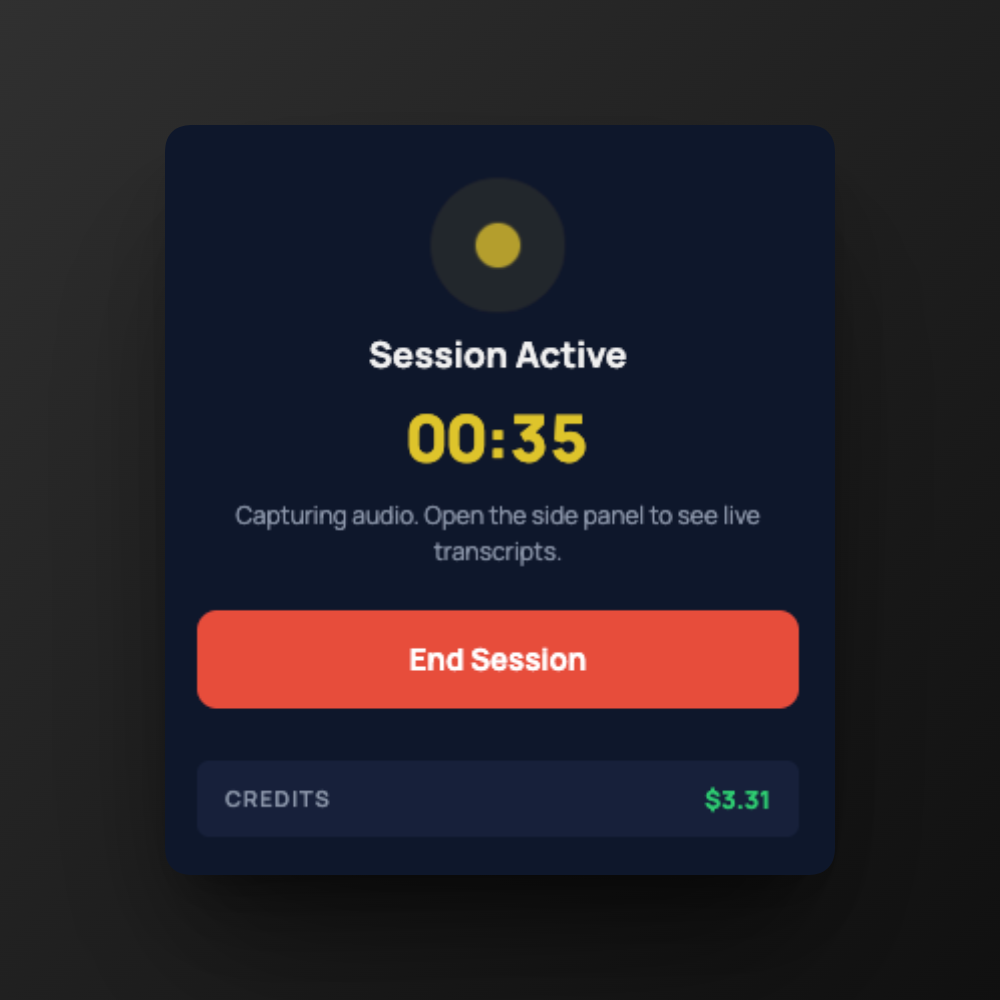
One click to start. Follow your session in the app on another device.
Why Use the Extension?
Any tab. Same AI. Viewers use the app.
Any Tab
Not limited to one app. Capture audio from YouTube, a sermon stream, or any browser tab.
Same AI
The same verse detection that powers AI Assistant and Presenter Mode. Consistent, accurate.
Follow Your Session in the App
Open the CiteVerse app with the same account and join your live session to see transcript and scripture on your phone or another device in your chosen Bible version.
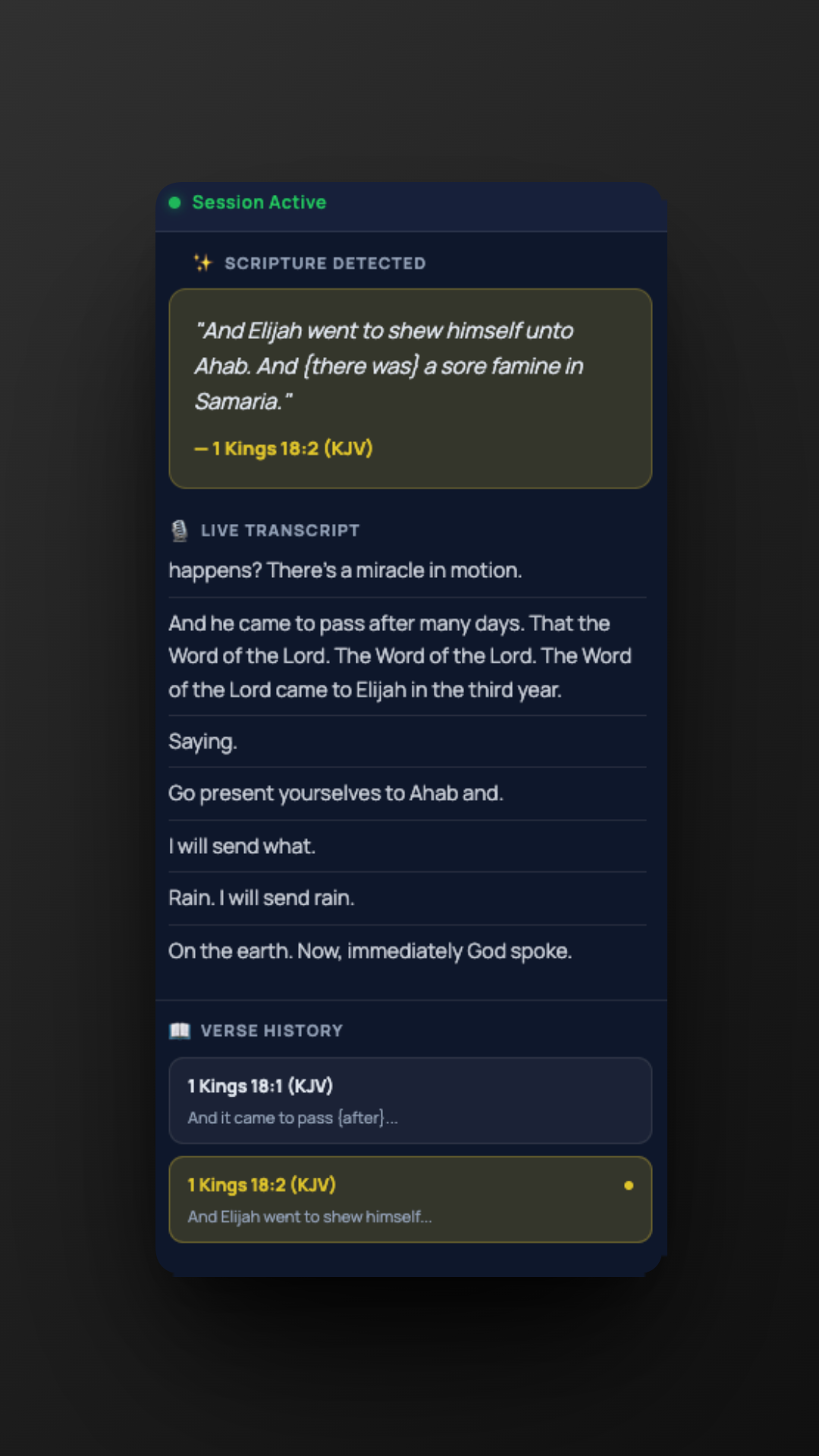
Transcript & Verses in the Side Panel
See what the extension hears and the verses it finds-all in one place. Open the side panel to follow the live transcript and cited scripture while your tab plays.
Extension at a Glance
Everything you need to go live from the browser
One-click install
Add from the Chrome Web Store. Chromium browsers.
Capture any tab
Video, podcast, or your own stream.
Start live session
One click to start; follow in the app (same account).
Follow in app
Join your own session from the app (same account).
Preferred Bible version in app
Follow scripture in your chosen Bible version when you join from the app.
Free
Install and try with no account required.
Then What?
Learn how live sessions and in-room display work
Get the Extension
Install in under a minute. No account needed to try.